


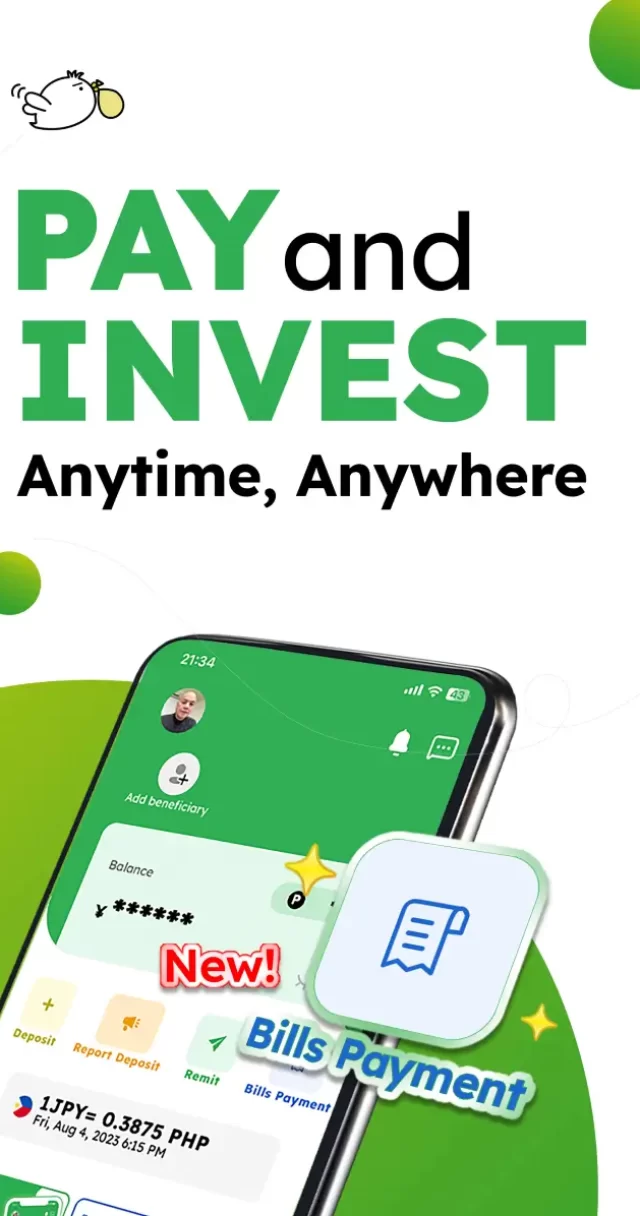

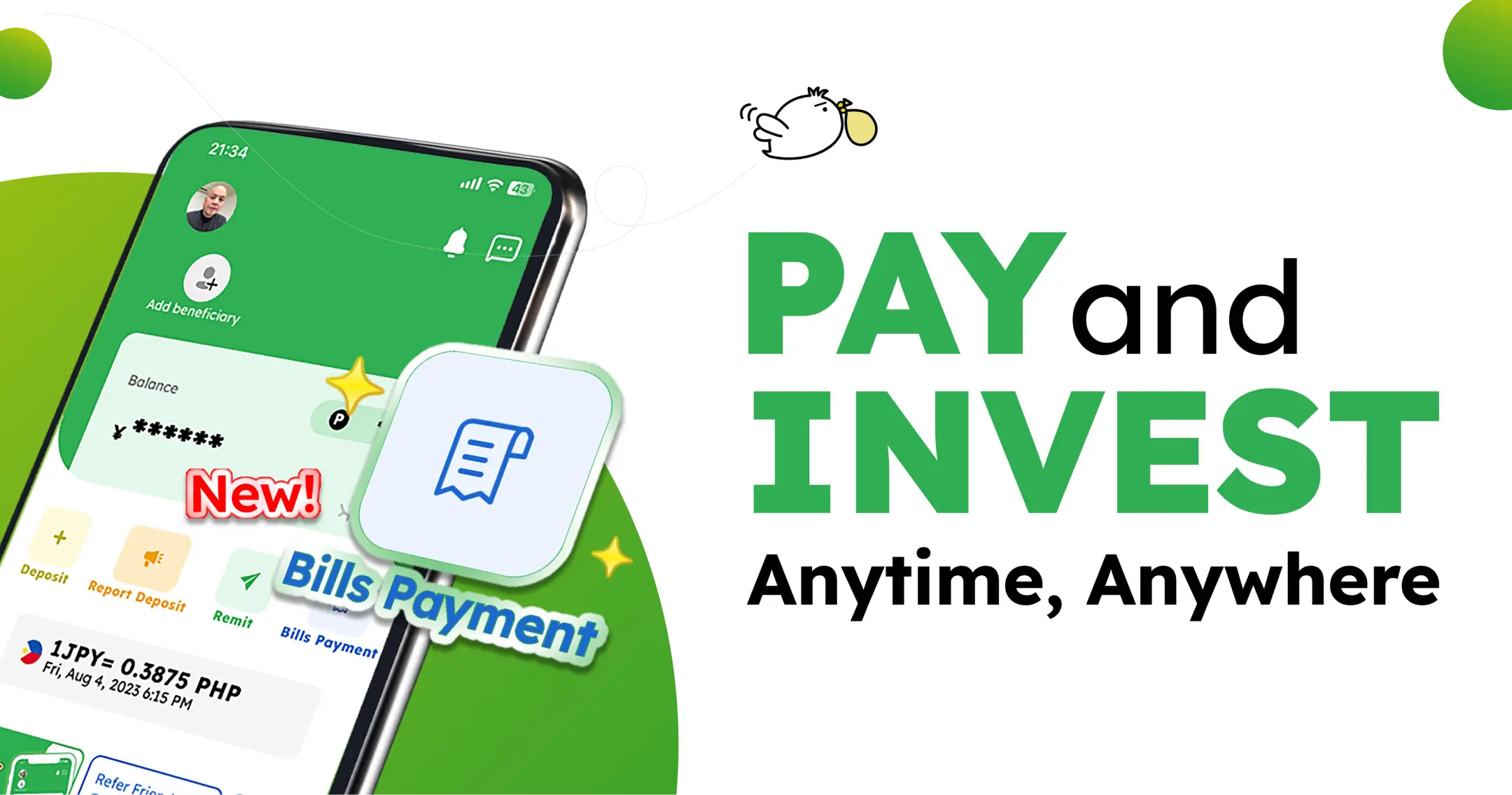
Download & start now!


Why pay the bills you have in the Philippines with the Smiles app?

It’s convenient
With an internet connection and an online banking account, you can easily pay your bills anytime, anywhere – we are available 24/7.

It’s safe
No need to carry cash! Our payment platform prioritizes security with a user-friendly verification process.

It’s fast
Getting everything done in one place, immediately and online, enables you to get all your bills paid in minutes.

How to pay your bills with Smiles
With four simple steps, you can pay for your bills you have in the Philippines through the Smiles app!


Step-by-step instructions
1Tap on the “Bills Payment” icon
2Search or select a biller
3Enter the amount and other details
4Review details and tap “Proceed” to complete the payment
FAQs
Yes, you can still process the payment through the Smiles app.
Please be aware that the decision to accept a late payment, and the application of any late fees or penalties, is made entirely by the billing institution. We recommend checking their policy regarding payments made after the due date.
The transaction itself is processed by the Smiles app almost instantly (within a few minutes).
However, the biller’s internal system typically takes 1 to 3 days to reflect the payment on your account statement. We recommend always entering correct account numbers and details to guarantee timely posting.
You can make a Bills Payment via Smiles App by following the guideline:
See guidelines
To pay Meralco, you may do as follows:
1. Tap “Bills Payment” on Home
2. Tap “Electricity”
3. Select “Meralco”
4.Input Customer Account Number (CAN) and amount
5. Double check the details then Tap “Next” if all of it are correct.
6. Pay and Done!
See the guideline
To pay Pag-ibig Housing Loan, you may do as follows:
1. Tap “Bills Payment” on Home
2. Tap “Government Services”
3. Select “Pag-ibig Housing Loan”
4. Input Housing Loan Account number and amount carefully
Note: Your Pag-ibig ID Number is different from your Housing Loan Account number.
5. Double check the details then Tap “Confirm” if all of it are correct.
6. You can now pay!
See the guideline
Need more help?
For any questions or concerns, visit our Help Center for answers to the most commonly asked questions about paying bills with the Smiles app.


