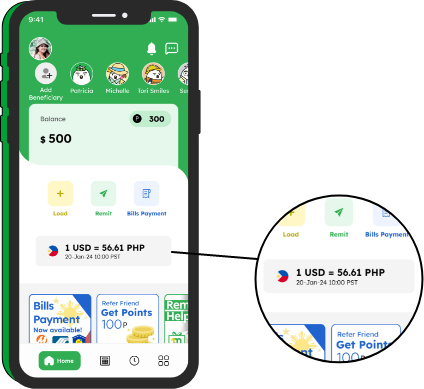
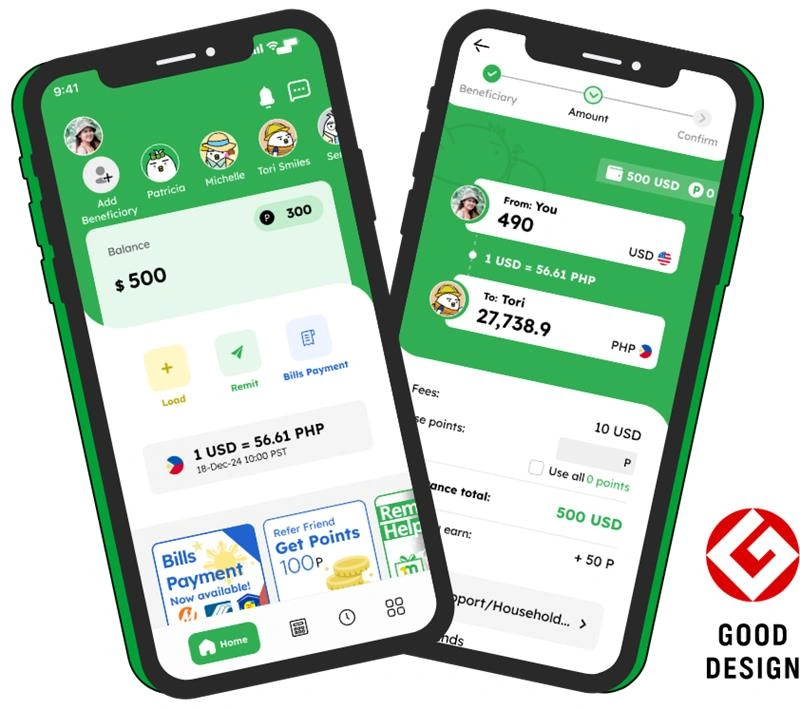
We make sure you can check Smiles exchange rates from US dollars (USD) fast. Use our chart/simulator here or check on the Smiles app.


This is a one-time transaction fee based on the remittance method you choose and the amount you want to transfer. No other hidden fees will be charged.

This is the current exchange rate at the moment. Please note that the rate can change at the time you make a complete remittance due to the market.
These are the number of Smiles Loyalty Points you will be able to earn, based on the remittance method and amount you plan to transfer.


Yes, you can add your own foreign bank account as a beneficiary.
To add your own foreign bank account, please follow the instructions below:
To check the specific cash pickup location (outlet) of your remittance for your beneficiary, please follow the instructions below:
Please read the steps below to learn how your beneficiary will receive their money/remittance. You will do the following:
To register a new beneficiary, please follow the instructions below:
To register a joint bank account as a beneficiary, please follow the instructions below:
See guidelines here
Important note: Enter the first name of the account holder in the "Surname" field, include "and/or", and then add the second account holder's first name in the "First Name" field.