


Table of contents
- Why Send Money to a Philippine E-Wallet
- Popular E-Wallets Used in the Philippines
- E-Wallet or Bank Transfer: Which One Should You Choose?
- How to Send Money to a Philippine E-Wallet with Smiles
- How Long Does an E-Wallet Transfer Take
- Tips for Sending Money Without Unnecessary Delays
- Why Use Smiles to Send Money to the Philippines?
- Send Money Home and Share Smiles
Sending money home doesn’t always mean choosing between a bank transfer and cash pickup. Philippine e-wallets offer another option, particularly for recipients who already use their phones for everyday payments.
From paying bills and buying groceries to purchasing mobile load and making QR payments, e-wallets have become part of everyday life in the Philippines. If your loved ones already use a mobile wallet, sending money directly to it can be a convenient way to provide support from Singapore.
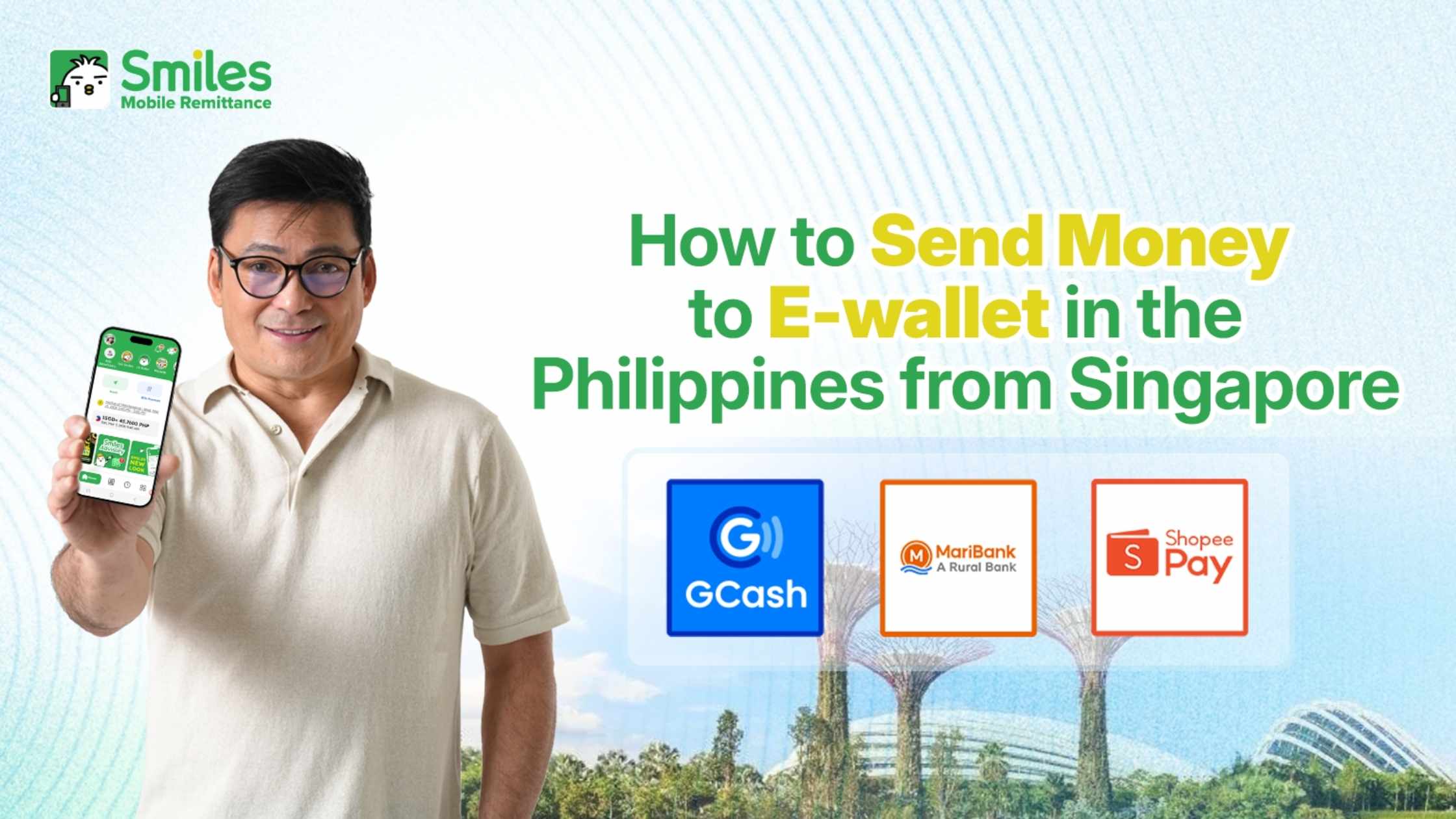
With Smiles Mobile Remittance, you can send money from Singapore to supported Philippine e-wallets through the Smiles app. Here’s what to know before sending, along with a step by step guide to completing your transfer.
Why Send Money to a Philippine E-Wallet
For recipients who regularly use mobile payments, having money sent directly to an e-wallet can be convenient for everyday expenses.
Once the funds are credited, your recipient can use their available balance for various transactions, such as:
- Paying household bills
- Buying groceries and other essentials
- Purchasing mobile load
- Shopping online
- Making QR payments at participating merchants
- Sending money to another person
This can be especially useful when you’re sending a regular allowance or helping your family cover everyday expenses.
Unlike cash pickup, your recipient doesn’t need to visit a remittance center to collect the money. And compared with a bank transfer, an e-wallet can be more convenient for people who already manage their daily payments through their mobile phone.
Popular E-Wallets Used in the Philippines
Digital wallets are widely used across the Philippines, with GCash and Maya among the most familiar names. GCash is commonly used for bills, mobile payments, money transfers, online purchases, and QR payments. Maya also provides digital payment services that allow users to manage payments and other financial activities through their mobile devices.
There are also other digital wallet and payment services available in the Philippines. However, payout availability can vary depending on the remittance service. When using Smiles, check the available e-wallet options shown in the app when adding your beneficiary to make sure your recipient’s preferred wallet is supported.
E-Wallet or Bank Transfer: Which One Should You Choose?
The right option depends on how your recipient usually manages their money.
| E-Wallet | Bank Account | |
|---|---|---|
| Everyday payments | Convenient for mobile payments and QR transactions | Suitable for regular banking needs |
| Accessibility | Managed through a mobile app | Managed through banking channels |
| Cash pickup needed | Not required | Not required |
| Best suited for | Daily expenses and digital payments | Savings and larger financial needs |
If your recipient already uses an e-wallet for bills, shopping, mobile load, or other daily expenses, sending money directly to the wallet can be a practical choice. For recipients who primarily manage their finances through a bank account, a bank transfer may be more suitable.
How to Send Money to a Philippine E-Wallet with Smiles
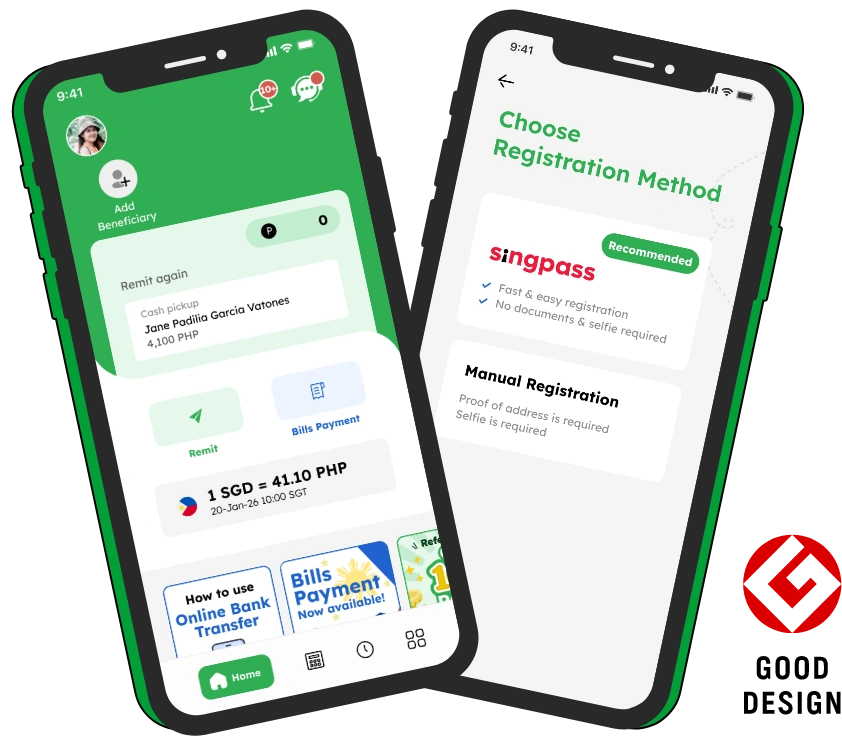
Once you have your recipient’s information ready, sending money from Singapore to a supported Philippine e-wallet can be completed through the Smiles app.
1. Tap Remit
- Open the Smiles Mobile Remittance app and select Remit.
2. Select or Add a Beneficiary
- Choose an existing beneficiary or tap + Add Beneficiary to add a new recipient.
- Select the Philippines as the destination and choose the available e-wallet payout option.
- Make sure the recipient’s information is entered correctly before continuing.
3. Enter the Amount
- Enter the amount you want to send.
- If you have available Smiles Points, you can apply them during the remittance process. You’ll also need to select the required Purpose of Remittance and Source of Funds information before proceeding to Final Check.
4. Review Your Transfer
Before confirming your remittance, carefully check the transaction details, including:
- Recipient information
- E-wallet details
- Sending amount
- Exchange rate
- Applicable fees
- Expected payout amount
If everything is correct, continue with the remittance.
5. Complete Your Payment
- Depending on the available payment options, you can complete your transaction using Scan & Pay or Online Banking Transfer.
- Follow the instructions displayed in the Smiles app to complete your payment.
6. Check Your Transaction
- After completing the payment, you can check your transaction information through the History section of the Smiles app.
For the latest instructions, you can also refer to the official Smiles Help Center remittance guide.
How Long Does an E-Wallet Transfer Take
Transfer times can vary depending on factors such as the destination, transfer amount, payment method, and processing requirements.
Remittances below PHP 49,999 are generally processed and credited within the same day or within 24 hours. Remittances of PHP 50,000 or more generally take one to two Philippine banking days, provided there are no issues with the recipient’s information.
Because processing times can change, always check the latest information available in the Smiles app before completing your transfer.
Tips for Sending Money Without Unnecessary Delays
A few simple checks before sending can help make your transaction smoother.
- Check the Recipient’s Mobile Number
Make sure the mobile number registered to the recipient’s e-wallet is correct. A single incorrect digit can cause problems with the transfer. - Confirm the Recipient’s Name
Check that the recipient’s name matches the information registered with their e-wallet. - Select the Correct E-Wallet
If your recipient uses more than one digital wallet, double check that you’ve selected the correct payout option. - Check the SGD to PHP Exchange Rate
The exchange rate affects how much your recipient receives in Philippine pesos. Since SGD PHP rates can change, check the Smiles` latest exchange rate before confirming your transfer. - Review Everything Before Confirming
Take a moment to review the beneficiary details, amount, fees, exchange rate, and payout information before completing the transaction.
Why Use Smiles to Send Money to the Philippines?
For Filipinos in Singapore, sending money home can be part of managing everyday expenses for family in the Philippines. Having the option to complete a remittance from your smartphone can make regular transfers more convenient, whether you’re sending a monthly allowance or helping with an unexpected expense.
With Smiles Mobile Remittance, you can:
- Send money from Singapore to supported destinations in the Philippines
- Check the applicable exchange rate and fees before sending
- Use Smiles Points toward eligible transfer fees
- Complete your remittance digitally through the app
- Choose from available payout options, including supported Philippine e-wallets
Whether you’re sending money every month or only when your family needs additional support, the goal is simple: making it easier to stay connected with the people who matter most.
Send Money Home and Share Smiles
Whether it’s a monthly allowance, money for groceries, or support for an unexpected expense, sending money home is one of the ways Filipinos in Singapore continue to care for their families in the Philippines.
With Smiles, you can make your remittance from Singapore through your smartphone while checking the exchange rate, applicable fees, and available payout options before sending. Every transfer represents more than money. It can mean helping with a family expense, supporting someone through an important moment, or simply letting your loved ones know you’re thinking of them.
Send with Smiles and continue to Share Smiles with your loved ones, wherever they are.
Today's rate
1 SGD = 49.35 PHP
2026 October 23, Fri 08:40Ready to send money overseas? Smiles makes sending money fast, safe, and convenient.