Select one
Verify account + Load
1. Tap “Load”

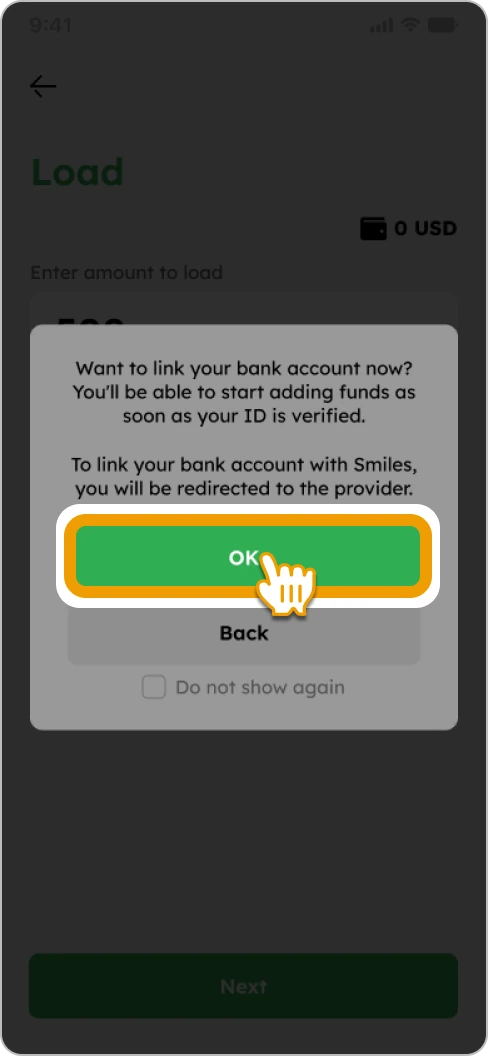
2. Tap “OK” to proceed to our provider
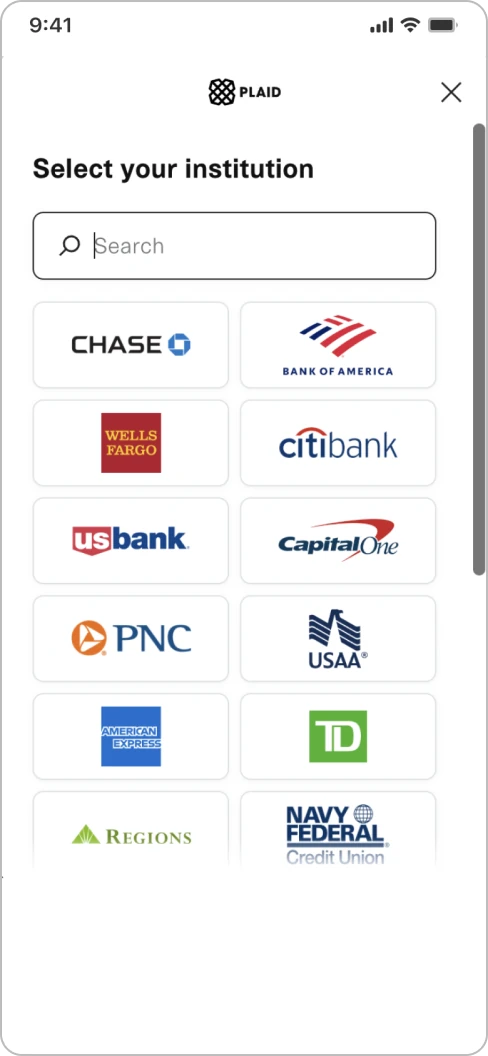
3. Complete the bank account linking process
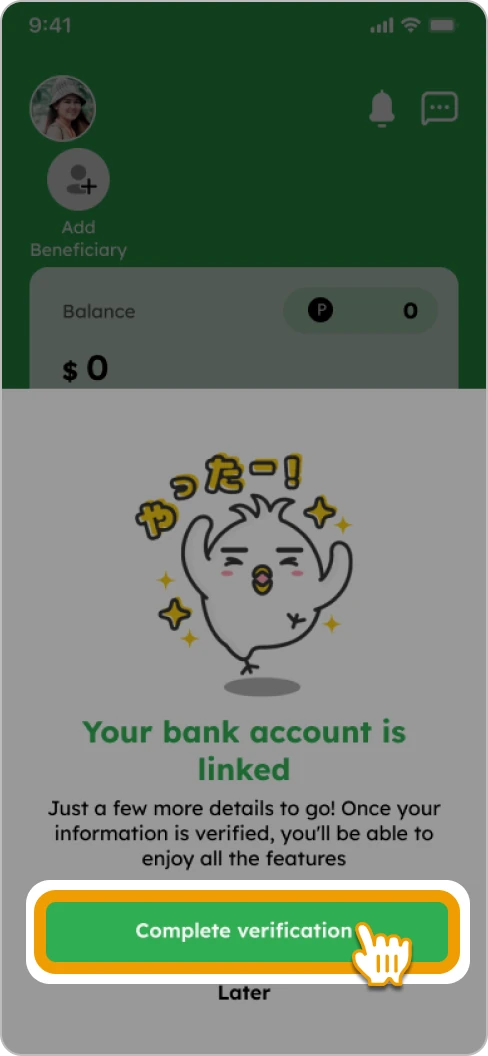
4. Tap “Complete verification”
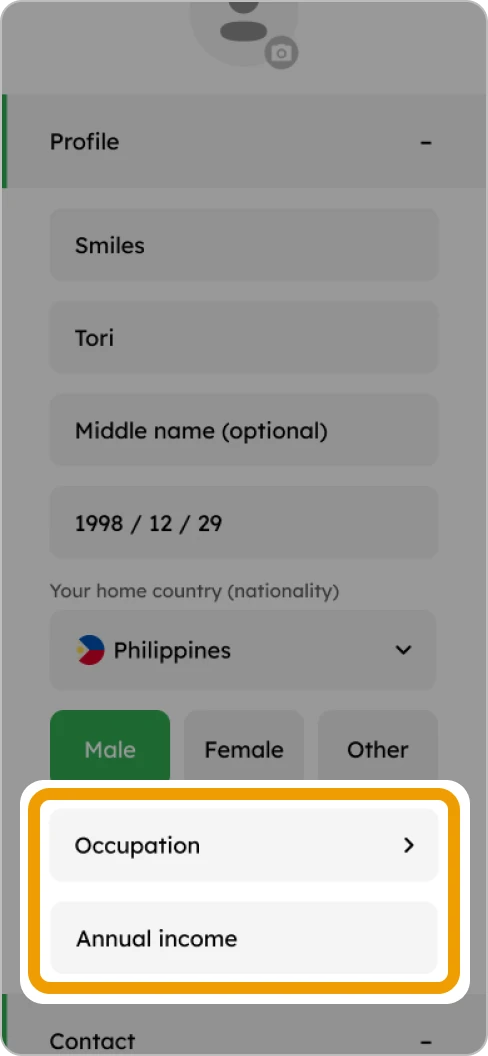
5. Select your occupation and enter your annual income
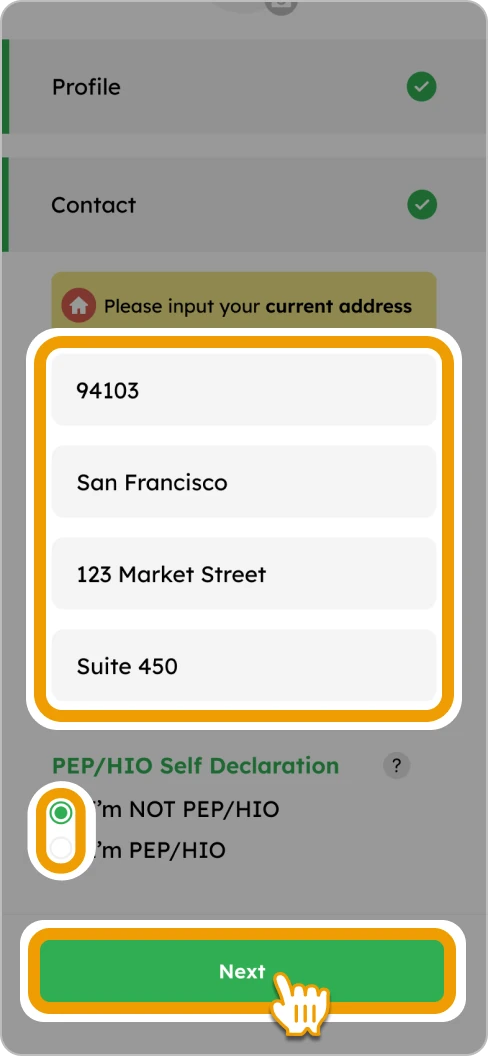
6. Enter your address, select one of the PEP options and tap “Next” to proceed
7. Tap “Verify account”
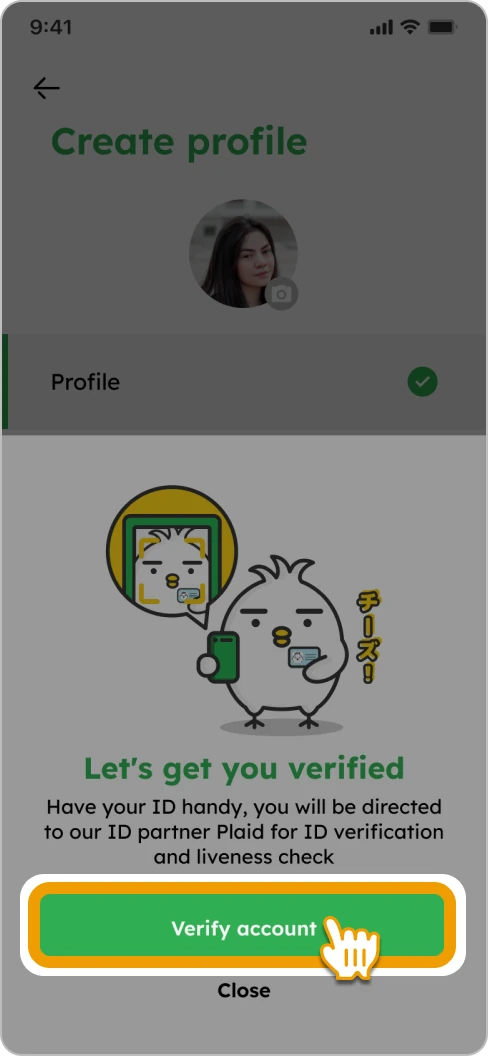
8. Follow the on-screen instructions to complete ID verification

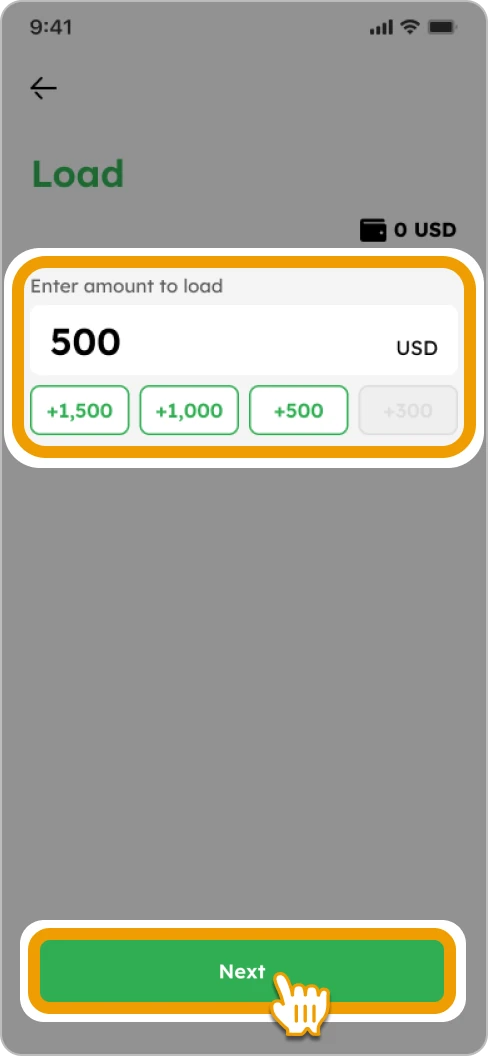
9. Enter or select the amount you want to load and tap “Next”
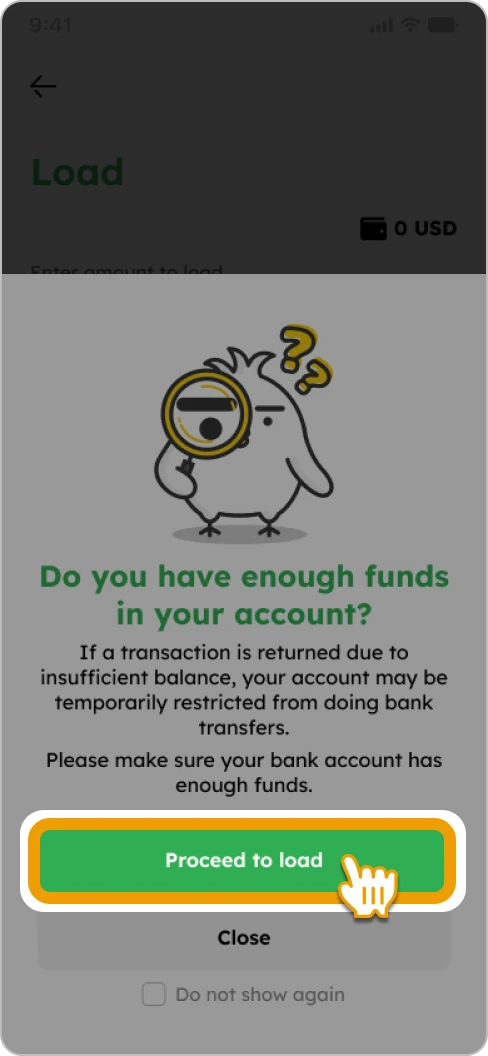
10. Tap on “Proceed to load”
11. Confirm the ACH Authorization Form, check the box and tap “Proceed”

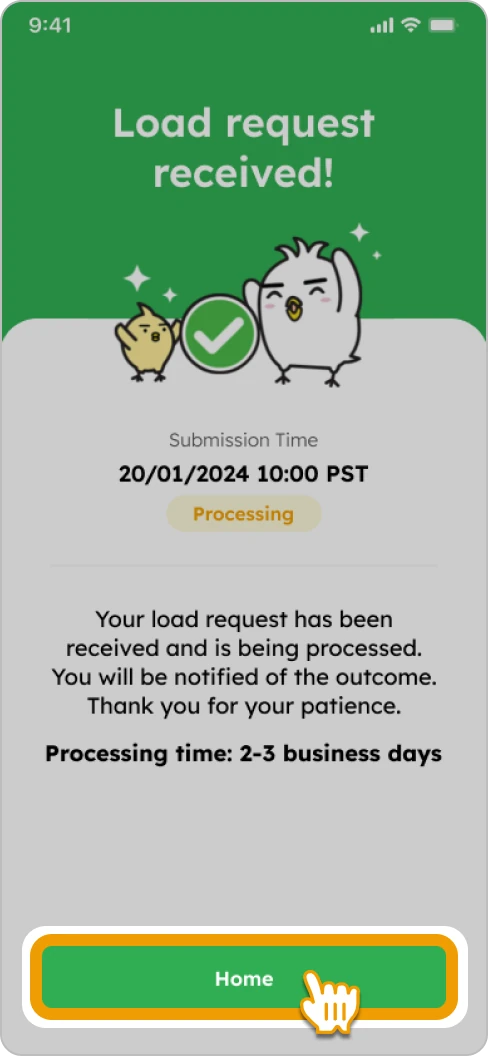
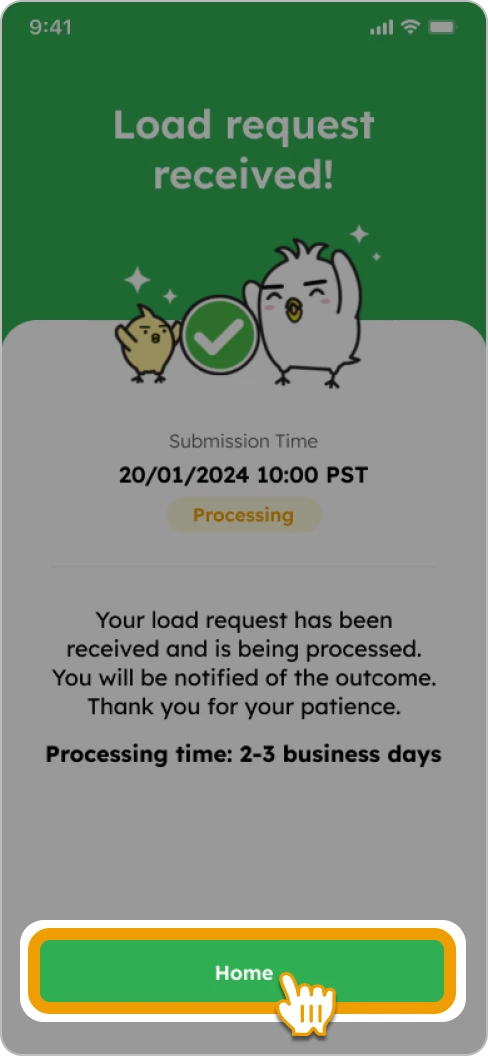
12. Tap “Home” to complete. Once your account is verified, you can start sending money
Load
1. Tap “Load”
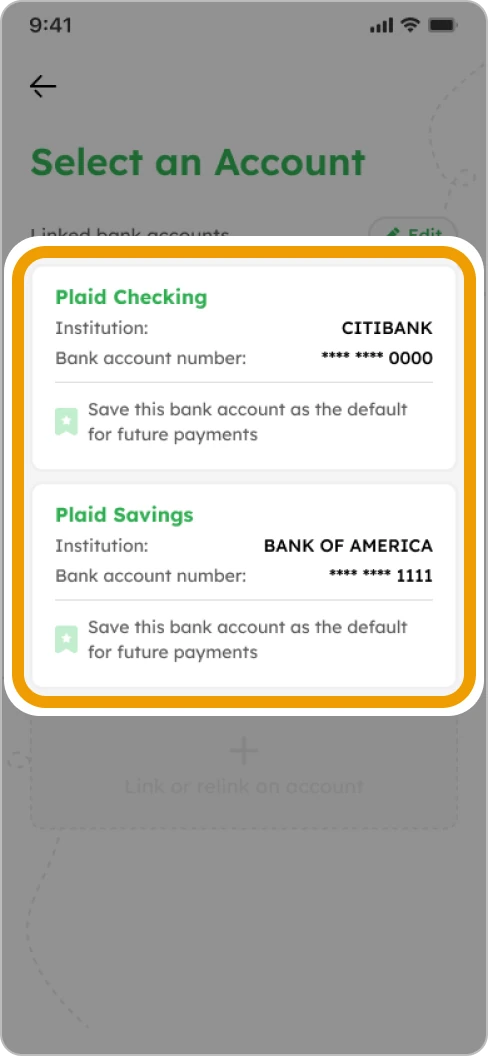
2. Select a linked bank account
3. Enter or select the amount you want to load and tap “Next”

4. Tap on “Proceed to load”
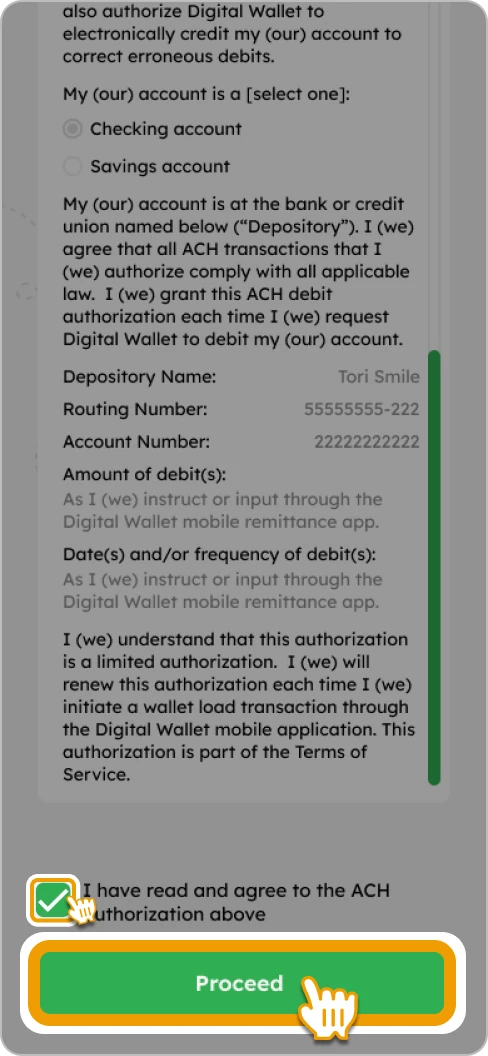
5. Confirm the ACH Authorization Form, check the box and tap “Proceed”
6. Tap “Home” to complete