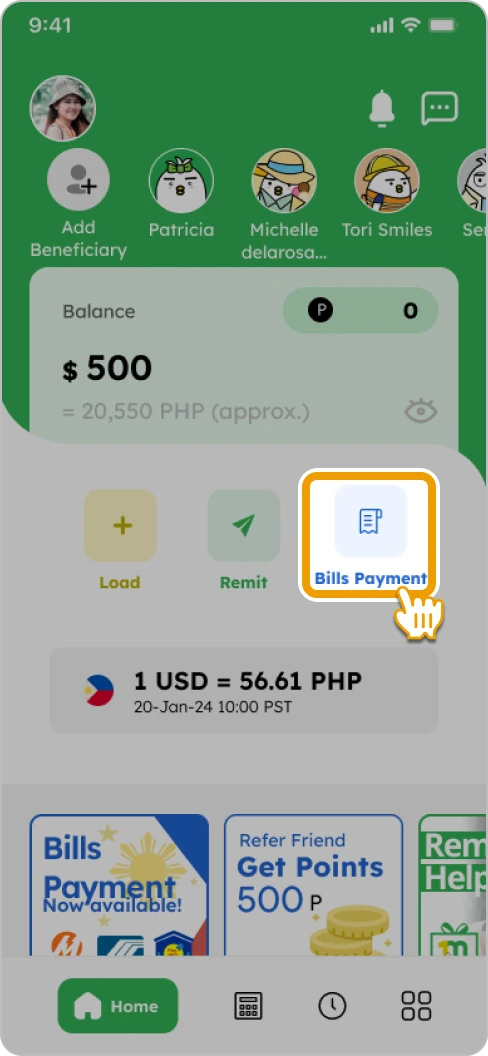
1. Tap on the “Bills Payment” button if you’ve already added the function

Smiles Tips!

You can add the Bills Payment function by tapping the banner on the home screen


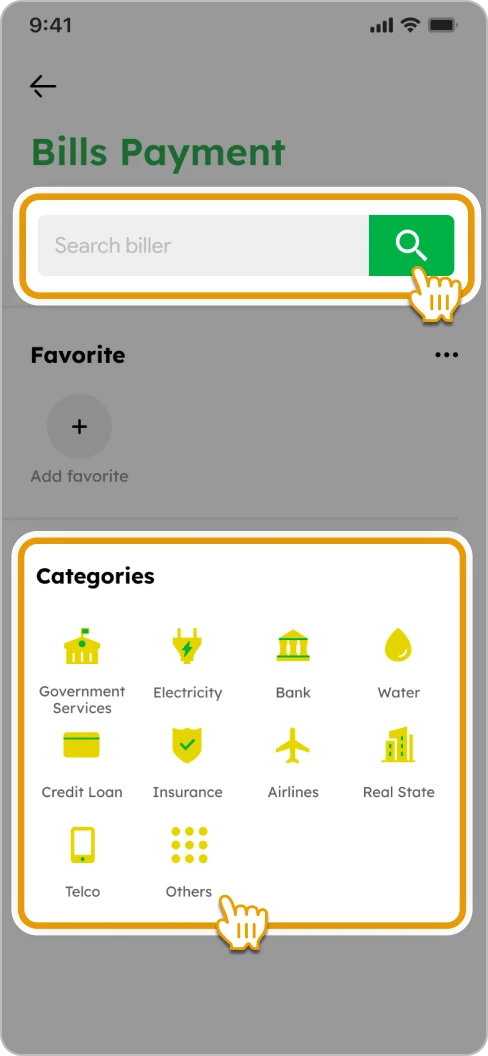
2. Select a company to pay by searching or navigating through the categories
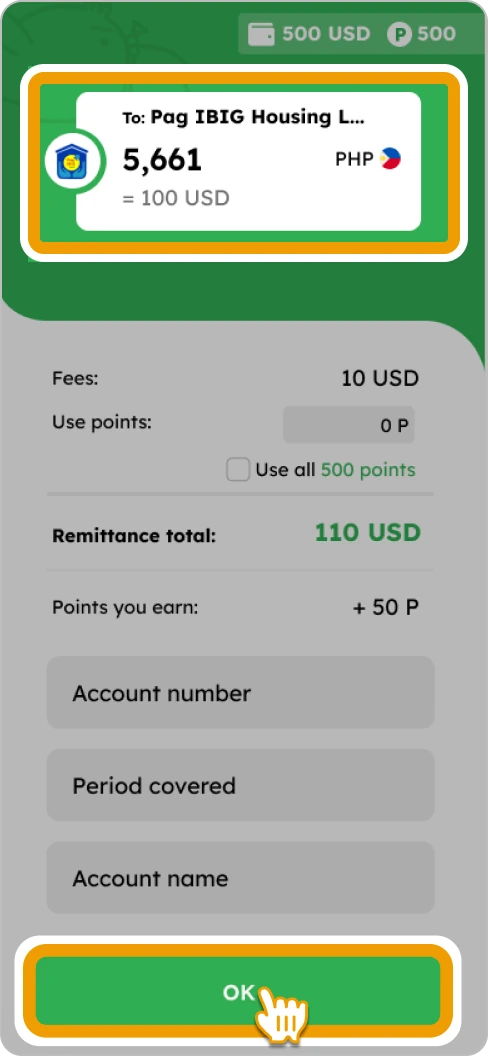
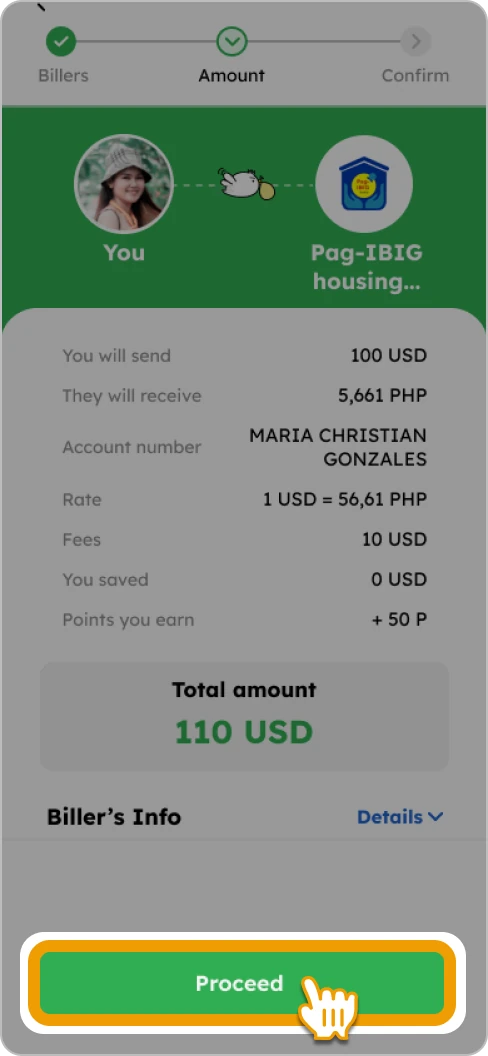
3. Enter the amount and necessary details. You can utilize points for fee payment (if available). Tap “OK” to proceed
4. Verify the details and tap “Confirm” to pay the bill
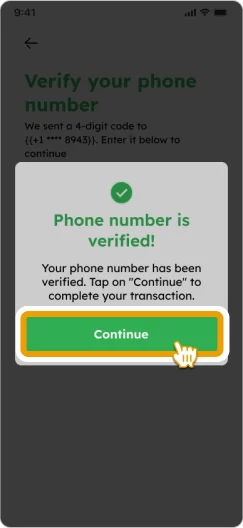
5. Input the 4-digit code sent to your registered phone number and tap “Continue”

6. Confirm the details and tap “Pay Bills to [Biller’s name]”
![How to Pay a Bill Smiles Mobile Remittance - Step 6 - Confirm the details and tap “Pay Bills to [Biller’s name]”](https://www.smileswallet.com/us/wp-content/uploads/sites/12/2025/11/ENG-HowToBills-US_Step6.webp)
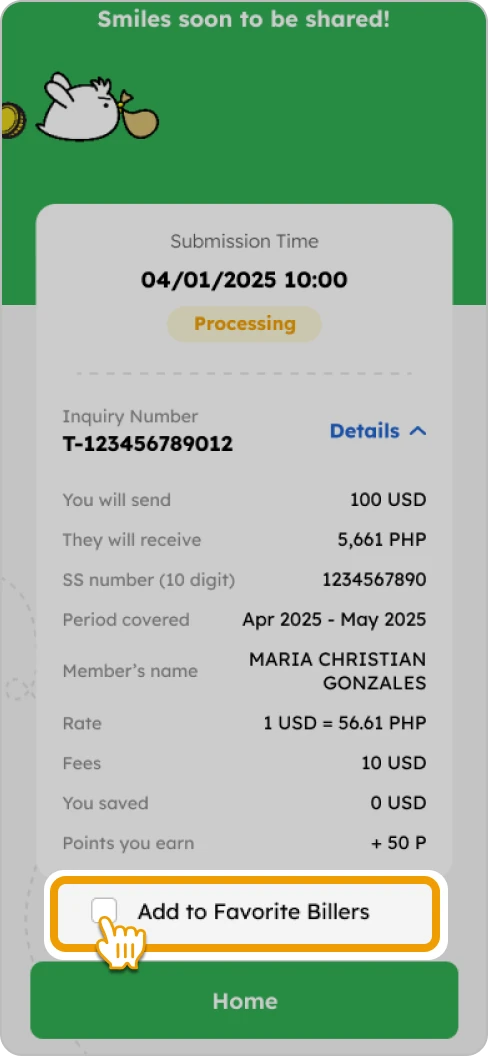
7. Payment completed! Optionally, you can add “Biller” to favorites list, tap “Remit Again” for new payment, or “Home” to return to home screen