
1. Tap “Remit” on the home screen

2. Select your registered beneficiary or add a new beneficiary by tapping on “+ Add beneficiary”
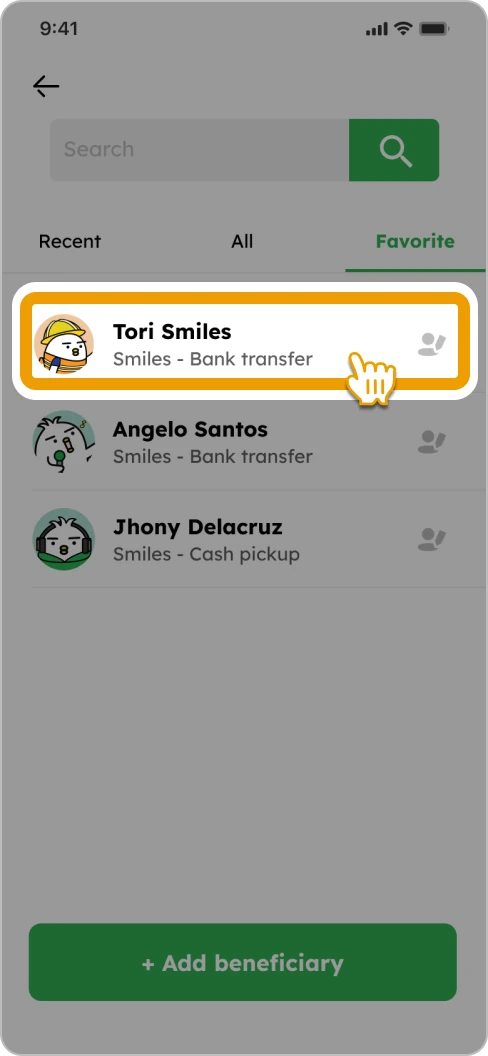
3. Input the amount you want to send

4. Input points (if you have any), scroll down to bottom, select your “Purpose”, “Source of funds” and tap “Next”

5. Confirm details and tap “Remit to [beneficiary’s name]”
![How to Remit Smiles Mobile Remittance - Step 5 - Review the remittance details, check the box and tap "Remit to [beneficiary's name]"](https://www.smileswallet.com/us/wp-content/uploads/sites/12/2025/11/ENG-HowToRemit-US_Step5.webp)
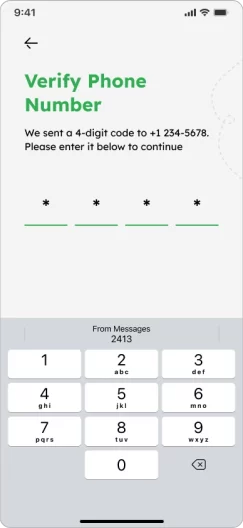
6. Input the 4-digit code sent to your registered phone number and tap “Continue”
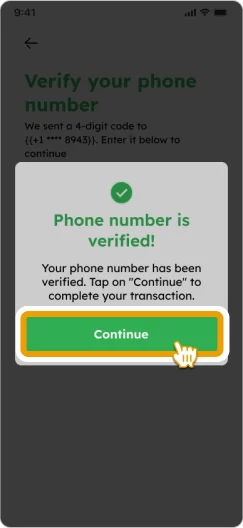
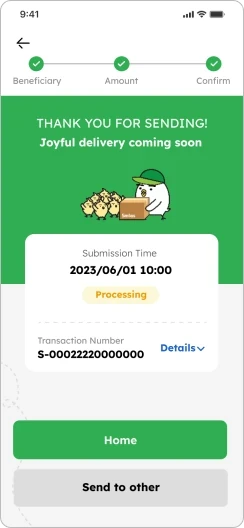
7. Your remittance is completed and will be processed

Smiles Tips!

You can add your favorite beneficiaries on your home screen for quick access