

10.13.2025
How to Register Your SIM Card in Canada | Complete Guide for Newcomers

Table of contents
- Why You Need to Register Your SIM Card in Canada
- Step 1: Choose the Right Mobile Carrier
- Step 2: Prepare Your Valid Identification to Register Your SIM Card
- Step 3: Activate and Register Your SIM Card
- In-Store Activation
- Online Activation
- Step 4: Secure Your Mobile Account
- Use Your Registered SIM with Smiles Mobile Remittance
If you’ve just arrived in Canada or recently purchased a new SIM, one of the first things you need to do is register your SIM card. Understanding how to register your SIM card in Canada ensures that you can make calls, send texts, use mobile data, and verify your identity for various online services.
Why You Need to Register Your SIM Card in Canada
Registering your SIM card in Canada is important for both security and convenience. It allows mobile carriers to confirm your identity and protect your number from unauthorized use. Having a registered SIM also ensures that essential apps and services — like banking and remittance — can verify your account quickly.
For newcomers, registering your SIM is the first step toward staying connected with family and friends, especially when using financial services like Smiles Mobile Remittance, which rely on a verified mobile number for added security.
Step 1: Choose the Right Mobile Carrier
Before learning how to register your SIM card in Canada, you must first select a carrier that fits your needs. Canada’s major telecom providers include Rogers, Bell, and Telus.
If you’re looking for more affordable options, there are flanker or budget brands such as Fido, Koodo, Virgin Plus, Public Mobile, and Freedom Mobile.
You can purchase SIM cards from:
- Official carrier stores
- Electronics shops like Best Buy or Walmart
- Convenience stores and supermarkets
When choosing, compare prices, data plans, and coverage in your area to find the best value.
Step 2: Prepare Your Valid Identification to Register Your SIM Card
To complete your registration, you’ll need to present valid identification. Acceptable documents may include:
- Passport
- Canadian driver’s license
- Permanent Resident card
- Work or study permit
- Government-issued photo ID
Having your ID ready speeds up the process, whether you register in-store or online.
Step 3: Activate and Register Your SIM Card
There are two main ways to register your SIM card in Canada — in-store activation or online registration.
In-Store Activation
Visit the store where you bought your SIM card. Staff members will assist you with the activation process. Simply present your ID, choose a plan, and your SIM will be registered instantly.
Online Activation
If you purchased your SIM card online or from a retail outlet, visit your carrier’s activation webpage (for example, rogers.com/activate or bell.ca/activate). You’ll be asked to enter your SIM card number, IMEI number, and some personal details.
Once the registration is complete, insert the SIM into your phone, restart your device, and check for signal bars. You should see your carrier’s name on the screen once activation is successful.
Step 4: Secure Your Mobile Account
After completing how to register your SIM card in Canada, don’t forget to secure your account.
Create an online profile with your carrier where you can manage your plan, payments, and data usage. Always use a strong password and enable two-factor authentication (2FA) for extra protection.
Your mobile number plays a key role in verifying your online accounts, so it’s important to keep it safe and secure.
Use Your Registered SIM with Smiles Mobile Remittance
Once your SIM card is registered and active, you’re ready to enjoy seamless communication and digital services — including Smiles Mobile Remittance.
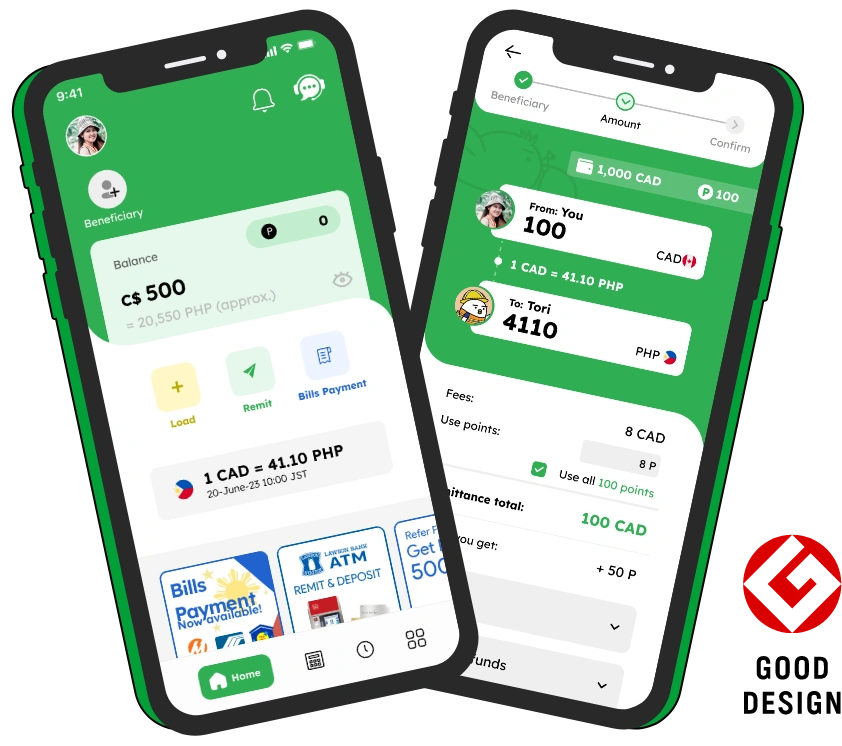
With Smiles Mobile Remittance, you can send money from Canada to the Philippines safely, quickly, and at high rates. The app uses your verified SIM for easy login and identity protection, ensuring your transactions are always secure.
Smiles also offers instant cash pickups, bank deposits, and e-wallet transfers, making it one of the most convenient ways to send money home.
Now that you know how to register your SIM card in Canada, you can stay connected, secure your accounts, and enjoy digital services with ease. Whether you’re calling home, using online banking, or sending money through Smiles Mobile Remittance, a registered SIM ensures everything runs smoothly.
Today's rate
1 CAD = 44.65 PHP
2026 September 19, Sat 22:10Ready to send money overseas? Smiles makes sending money fast, safe, and convenient.