

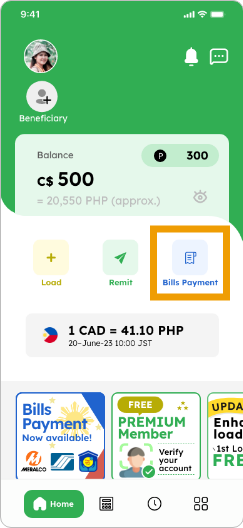
1. Tap on the “Bills Payment” button if you’ve already added the function
 Smiles Tips!

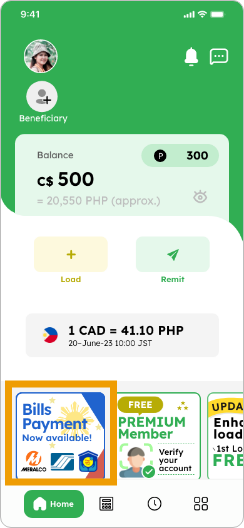
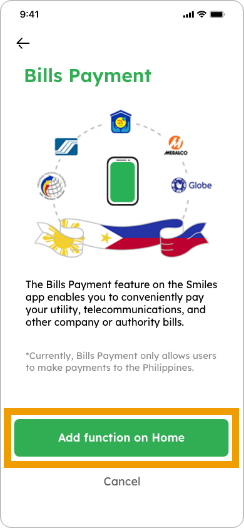
You can add the Bills Payment function by tapping the banner on the home screen
Hide details
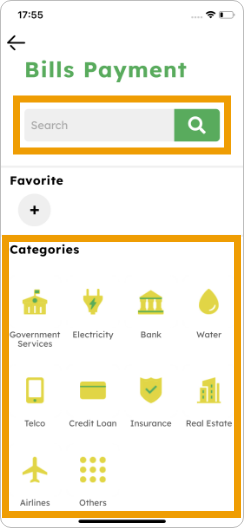
2. Select a company to pay by searching or navigating through the categories
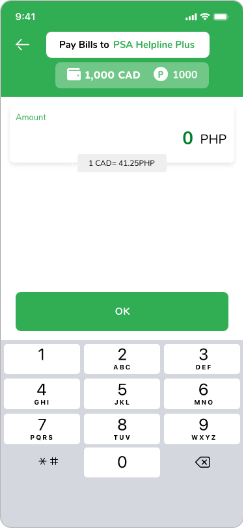
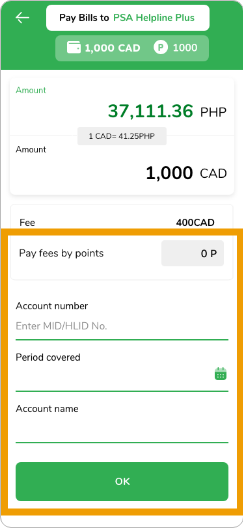
3. Enter the amount and necessary details. You can utilize points for fee payment (if available). Tap “OK” to proceed
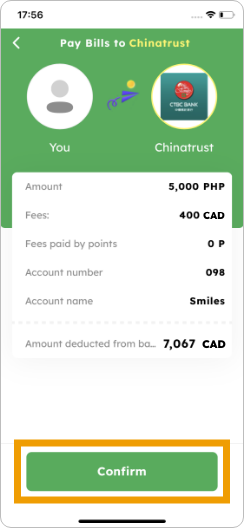
4. Verify the details and tap “Confirm” to pay the bill
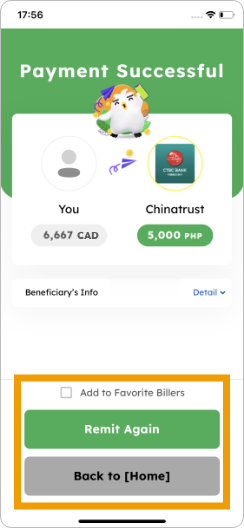
5. Payment successful! Additionally, add to favorites or tap “Remit Again” for new payments, or “Back to Home” for the home screen.