


09.30.2026
How to Check Your SSS Contributions While Living in Canada

Table of contents
Working in Canada brings new opportunities, but it also means managing responsibilities back home. If you’re a Overseas Filipino Worker, keeping track of your Social Security System (SSS) contributions is one way to stay prepared for your future.
Your SSS contributions can help you qualify for various benefits, including retirement, disability, and sickness benefits, depending on your eligibility. That’s why it’s important to know how much you’ve contributed and whether your payments appear in your records.
Fortunately, you don’t need to return to the Philippines to check your SSS contributions. With your My.SSS account, you can review your contribution history online, wherever you are.
Here’s a simple guide to help you get started.
Why Should You Check Your SSS Contributions?
Regularly checking your SSS contributions helps you stay informed about your membership and financial plans. It also allows you to:
- Track your payments: Confirm that SSS records your monthly contributions.
- Monitor your contribution history: Review your payment activity and total contributions.
- Identify missing payments: Spot unposted contributions and follow up when necessary.
- Prepare for future benefits: Understand your contribution records as you plan for retirement and other SSS benefits.
By checking your SSS contributions regularly, you can address concerns early and keep your records organized.
How to Check Your SSS Contributions Online
You can access your SSS contribution history through the My.SSS website or mobile app. Before you begin, make sure you have an active account, your login credentials, and a stable internet connection.
Through the My.SSS Website
- Visit the official SSS website.
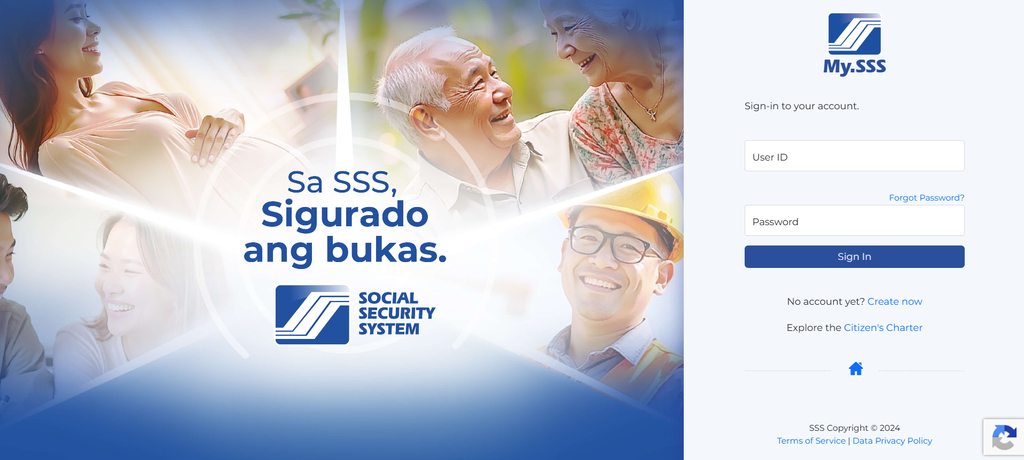
- Open the My.SSS member portal and log in using your registered credentials.
- Navigate to the contributions inquiry section.
- Review your monthly contribution records and total contributions.
- Save a copy of your records for future reference, if the option is available.
Through the MySSS Mobile App
- Download the official MySSS app from the Google Play Store or Apple App Store.
- Log in using your My.SSS account.
- Select the My Contributions feature.
- Review your total contributions and monthly payment breakdown.
- Check your records regularly to monitor your payment activity.
Both options allow you to access your SSS contribution history without visiting a branch in the Philippines.
What Should You Do If You Notice Missing Contributions?
If you notice a missing payment in your SSS contribution history, don’t worry. Start by checking your payment receipt or transaction confirmation to verify the contribution month and payment details.
If the payment still doesn’t appear in your records, contact SSS through its official support channels:
- Hotline: 1455
- Email: usssaptayo@sss.gov.ph
- Online support: SSS Customer Relations Management System
Tips for Managing Your SSS Contributions From Canada
Staying on top of your SSS contributions becomes easier when you build a few simple habits:
- Check your contribution history every few months.
- Keep digital copies of your payment receipts.
- Set reminders for your contribution payments.
- Review your My.SSS account regularly.
- Follow the latest SSS guidelines for your membership category.
These steps can help you maintain organized records while balancing your work and responsibilities in Canada.
Keep Your SSS Contributions on Track With Smiles
Living in Canada doesn’t mean you have to lose track of your SSS contributions in the Philippines. By checking your records regularly and planning your payments, you can stay informed and work toward your future financial goals.
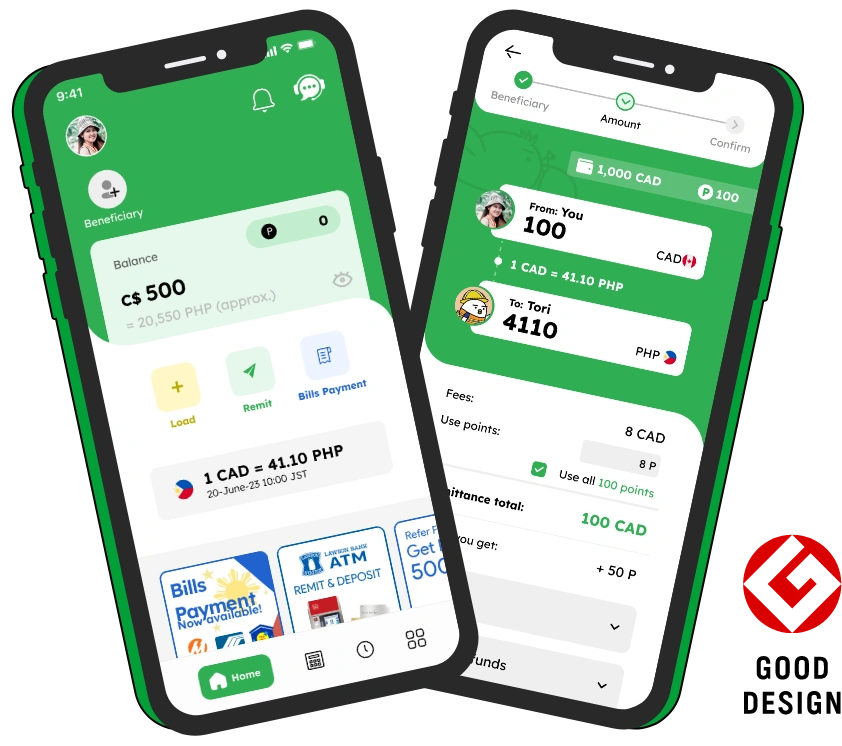
With Smiles Mobile Remittance, you can conveniently pay your SSS contributions from Canada and manage your Philippine financial responsibilities while living abroad.
Today's rate
1 CAD = 44.2 PHP
2026 October 16, Fri 02:05Ready to send money overseas? Smiles makes sending money fast, safe, and convenient.